

Upvendo Magic 🪄
Get Your Menu Ready in Minutes
Upvendo Magic suggests your menu’s photos, descriptions, and allergen info straight from your POS. No photo shoots, no copywriting - just smart suggestions you can review, adjust, and publish in minutes
Descriptions
Create tailored descriptions from your POS in seconds. Pick a tone that fits your brand and improve visibility with SEO-ready text you can refine anytime
Images
Get POS-matched image suggestions or transform your own photos into consistent, studio-quality visuals — all organized in one library
Essentials
Detect allergens, dietary info, and nutrition details in seconds. Easily review and approve suggestions before syncing across every platform
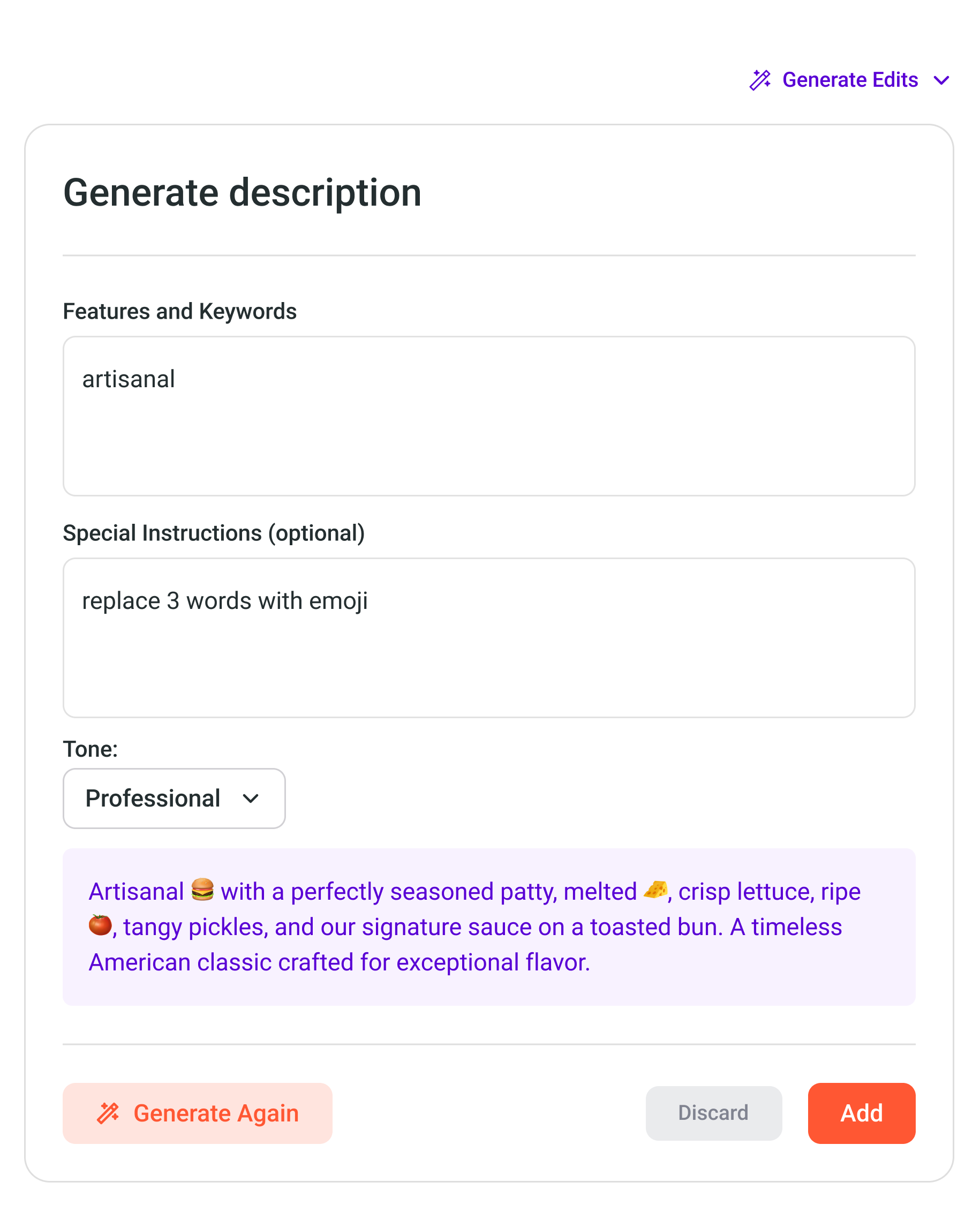
Magic Descriptions
Instant Generation
Create appetizing descriptions from your POS in seconds. No typing — just smart, ready-to-edit suggestions
Perfect Tone
Pick a tone that fits your brand — Professional, Playful, Daring, or Persuasive, and match your restaurant’s unique voice
Enhanced Discoverability
SEO-friendly text helps your menu rank higher on Google and delivery apps, making it easier for customers to find you
Transform your
Menu descriptions
Refine any description, whether created with Upvendo Magic or your own, into copy that attracts customers and drives more orders. Simplify long text, extend short ones, or regenerate entirely to fit your menu perfectly
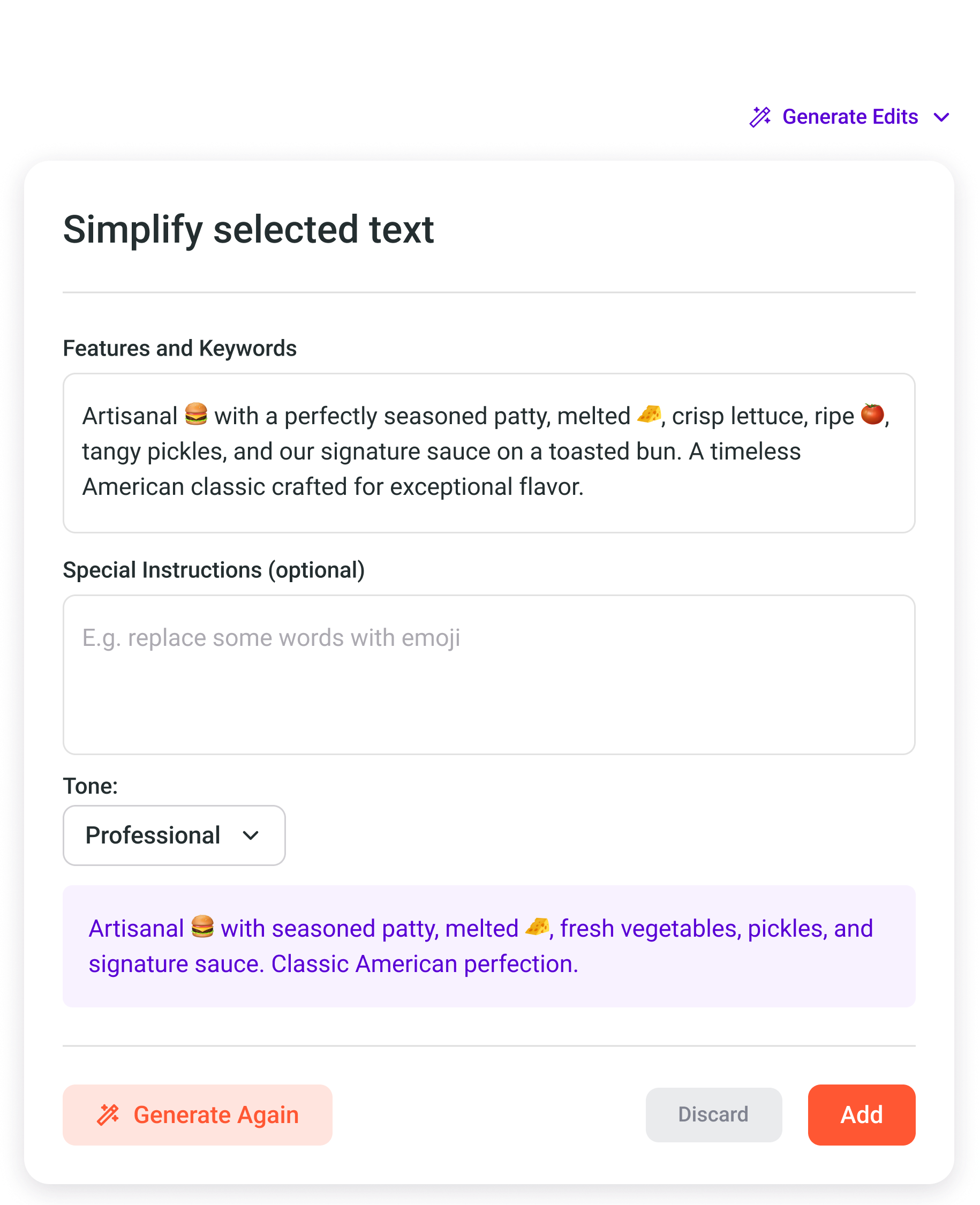
Simplify
Simplify long descriptions into clean, concise text focused on what your customers care about most
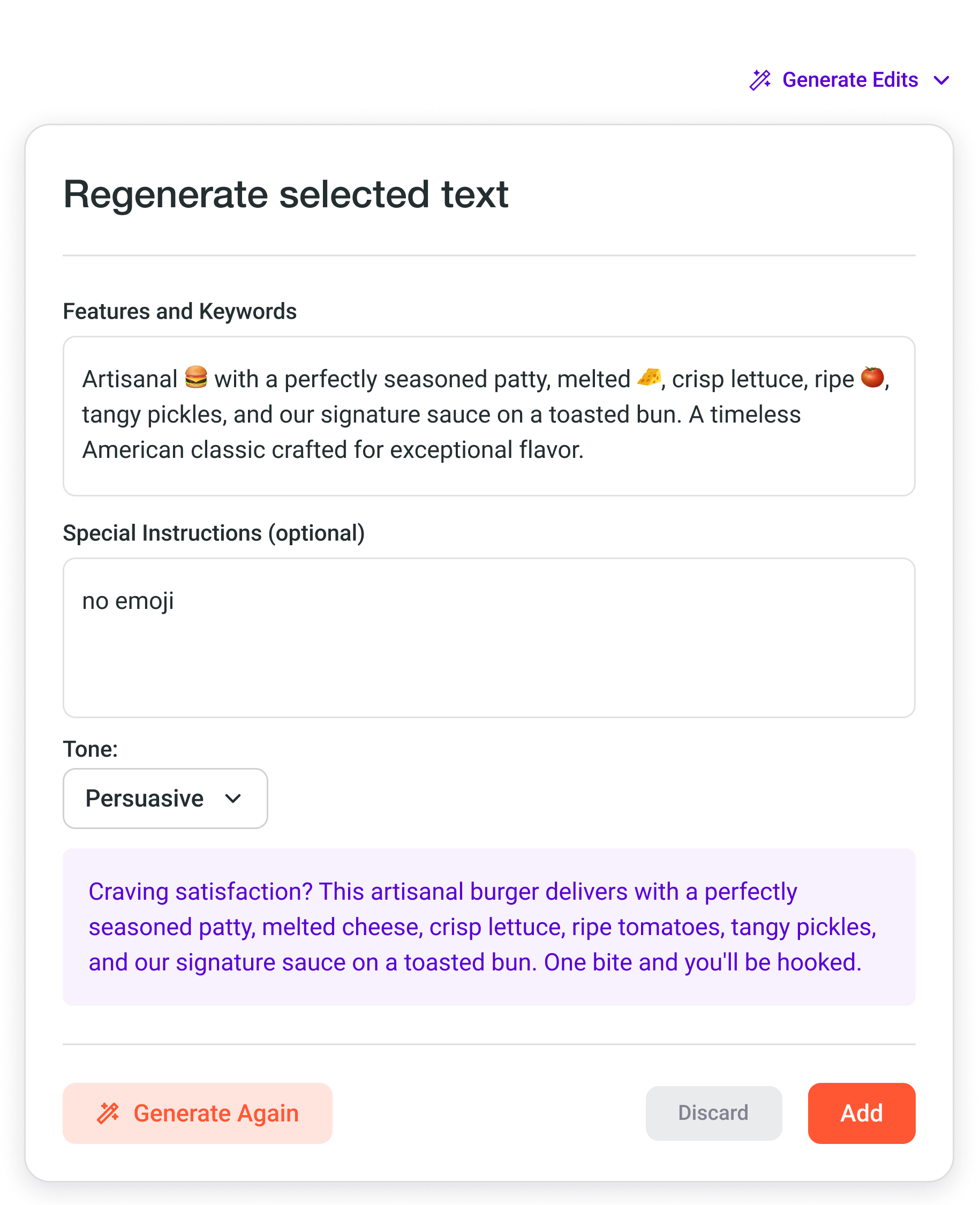
Regenerate
Create new variations in different tones and styles while keeping every key detail and appetizing appeal
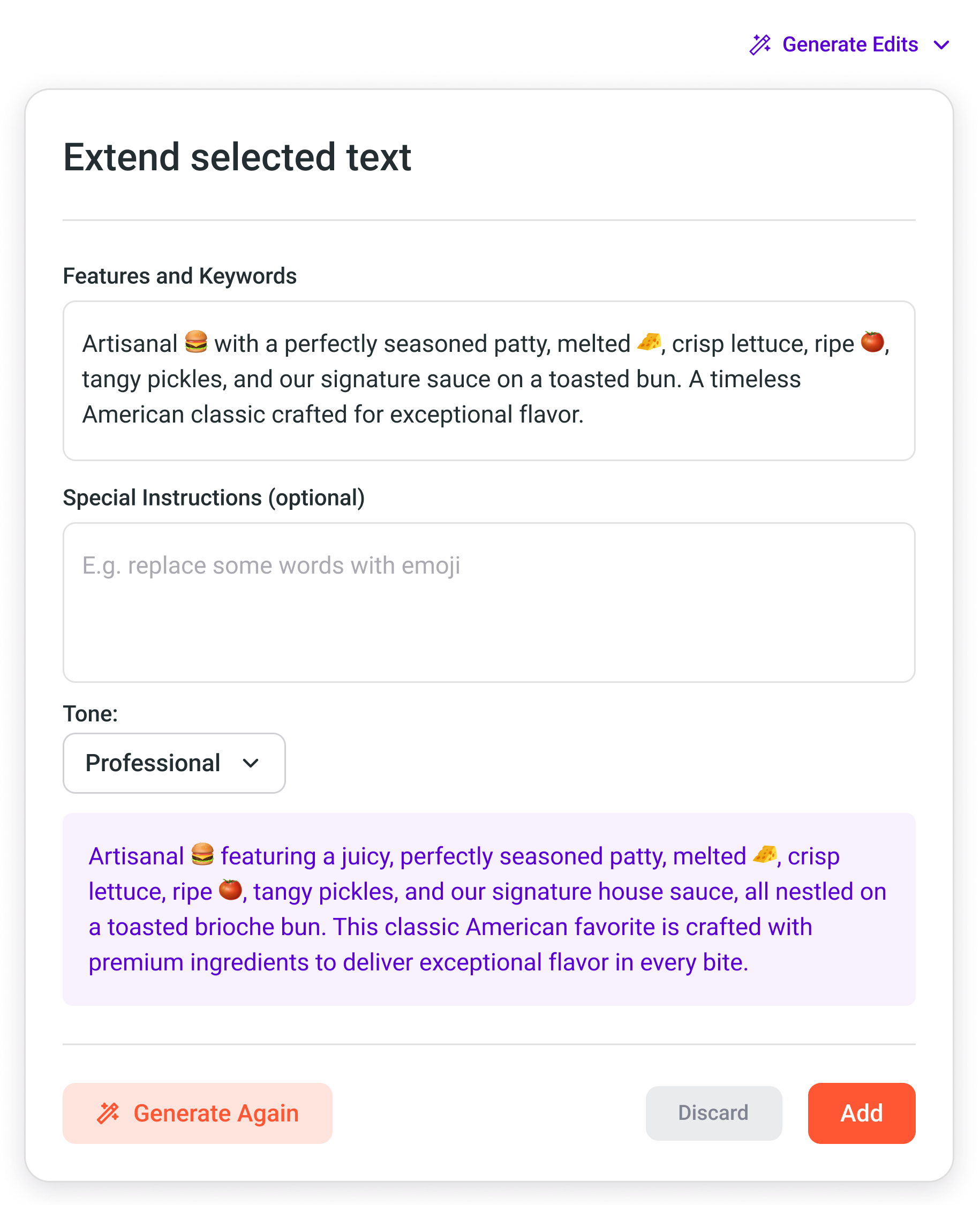
Extend
Expand short descriptions with rich, flavorful details that showcase your dishes and inspire more orders
Don't waste time on
Item Specifications
Save time and reduce errors. Upvendo Magic suggests allergens, calories, and dietary details — ensuring every item is accurate and ready to publish
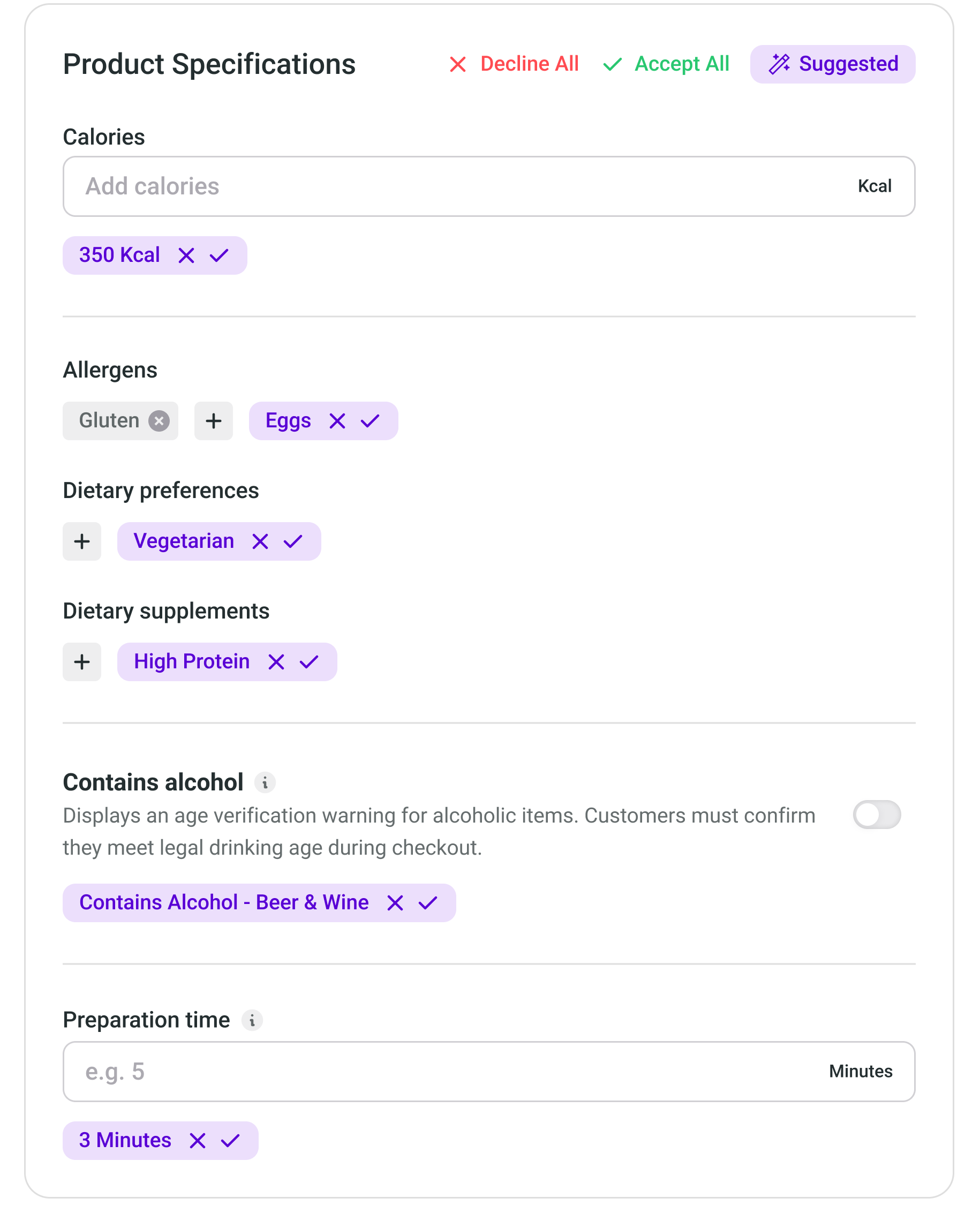
Magic Suggestions
Smart Allergen Detection & More
Automatically suggests allergens, dietary preferences, calories, and more for every item — all ready to review
Save Valuable Time
Eliminate manual research and data entry. Specifications are suggested automatically and easy to adjust
Unified Platform
Sync menu data with your POS or ordering partners for consistent information everywhere
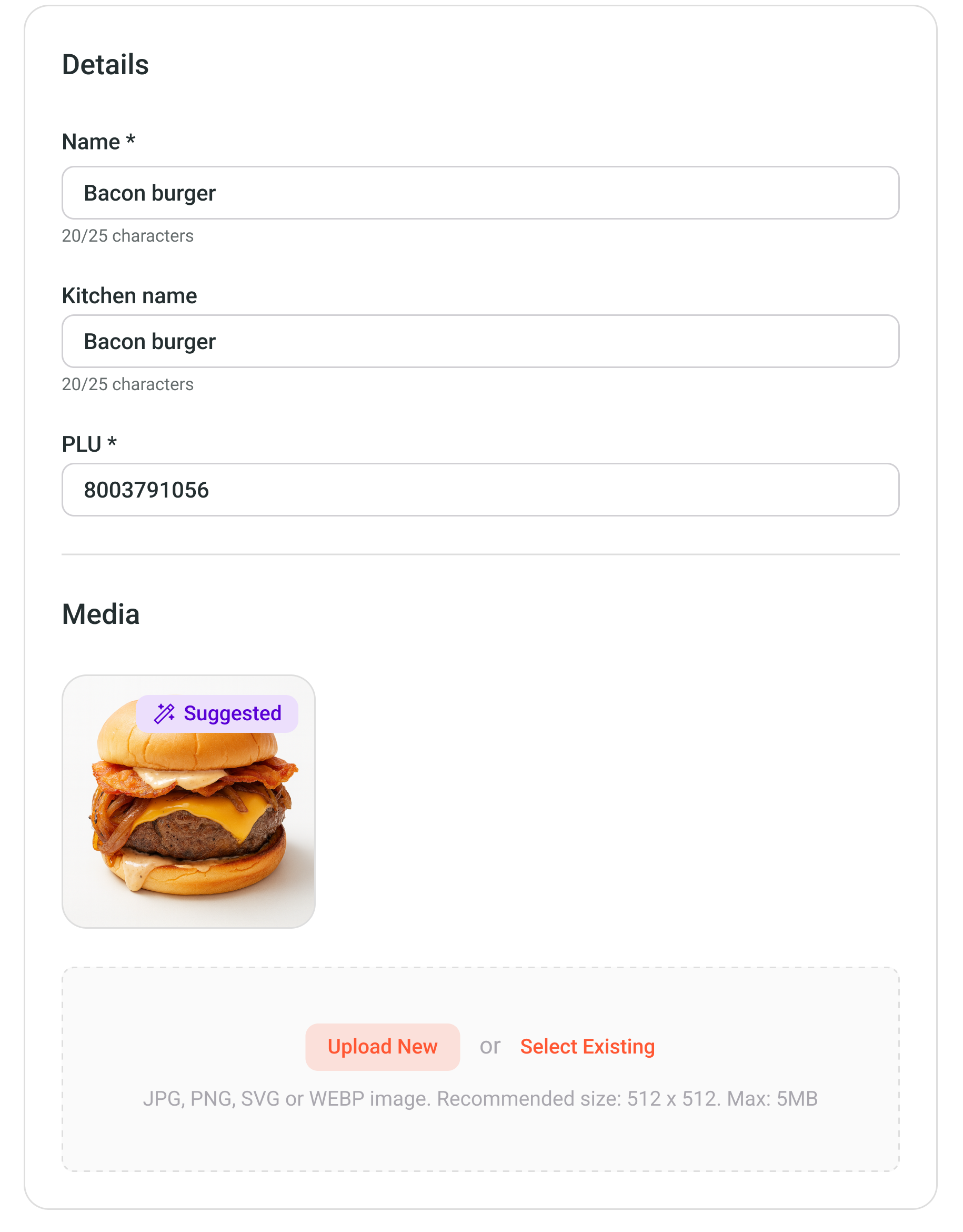
Studio Photos
Instantly Suggested
POS-linked Recognition
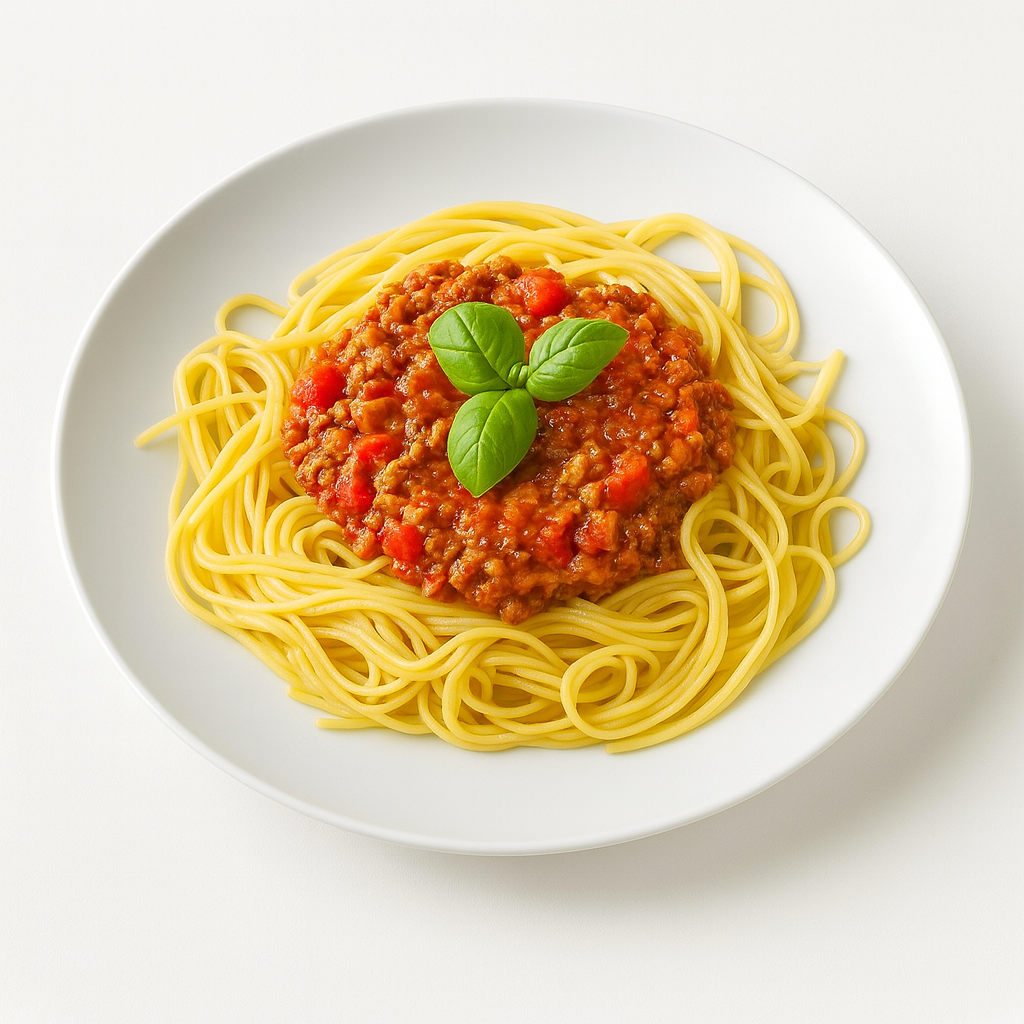
Studio-quality images automatically matched to your imported POS items for quick selection and review
Save 80% of your Time
Skip manual photo management and stay focused on your business with instant, accurate image matches
Unified Gallery
Access all your menu photos from one simple, organized library for effortless management
Create your own
In just a few Seconds
Turn your own photos into consistent, studio-quality shots. Just upload, generate, and you’re done!
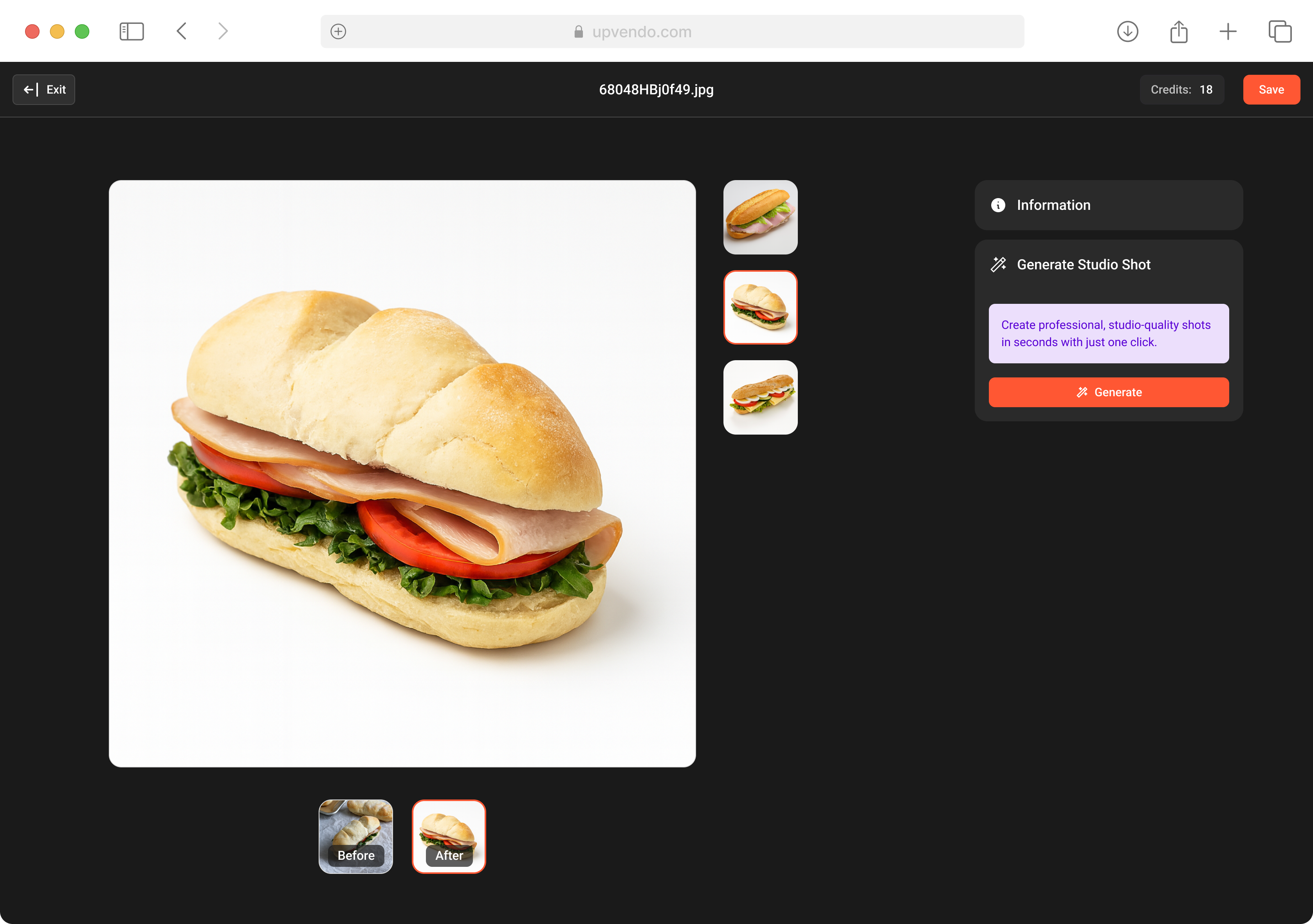
Magic Studio
Transform any Photo
Turn everyday snapshots into clean, studio-quality images in seconds — no equipment or experience required
Instant Professional Results
Skip photoshoot costs and create restaurant-grade food photos in seconds with perfect lighting and consistent style
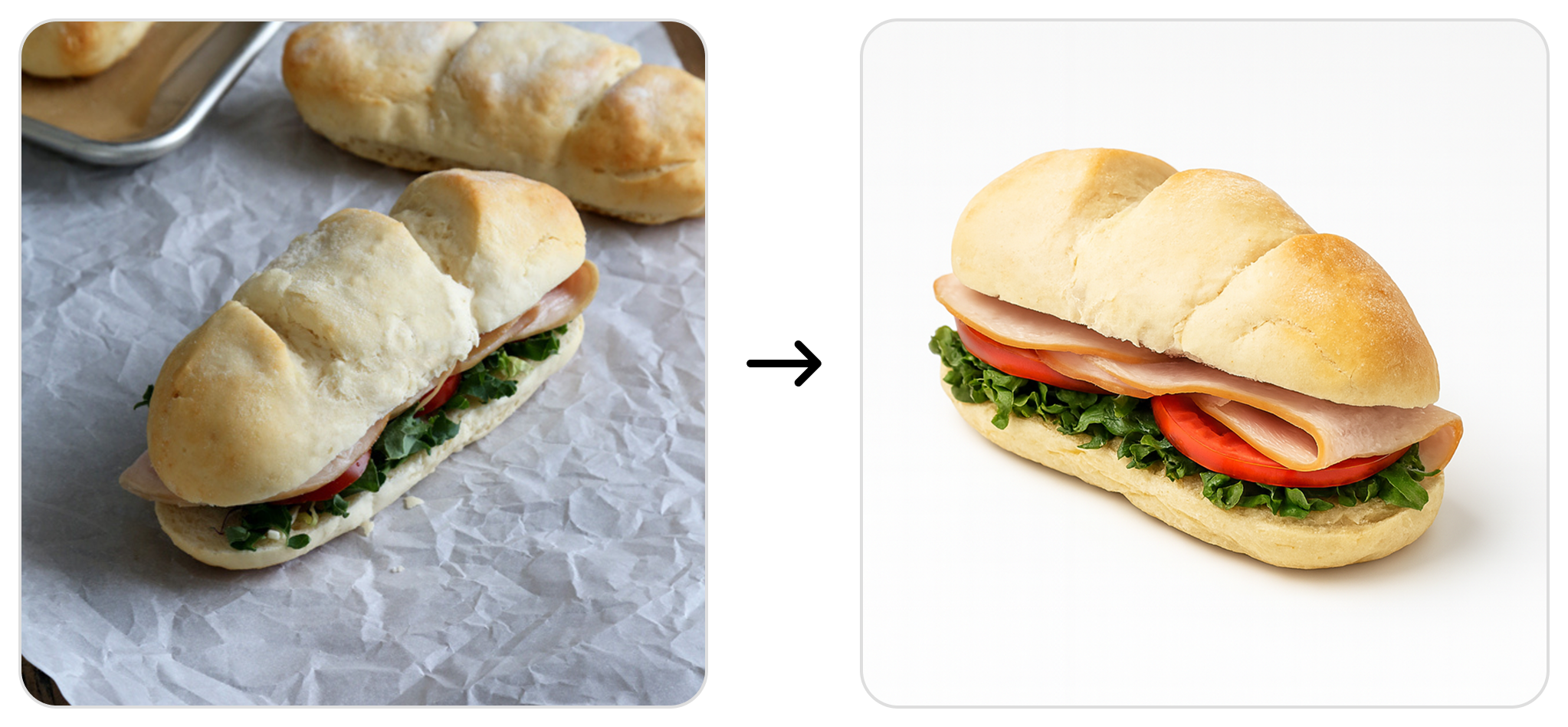
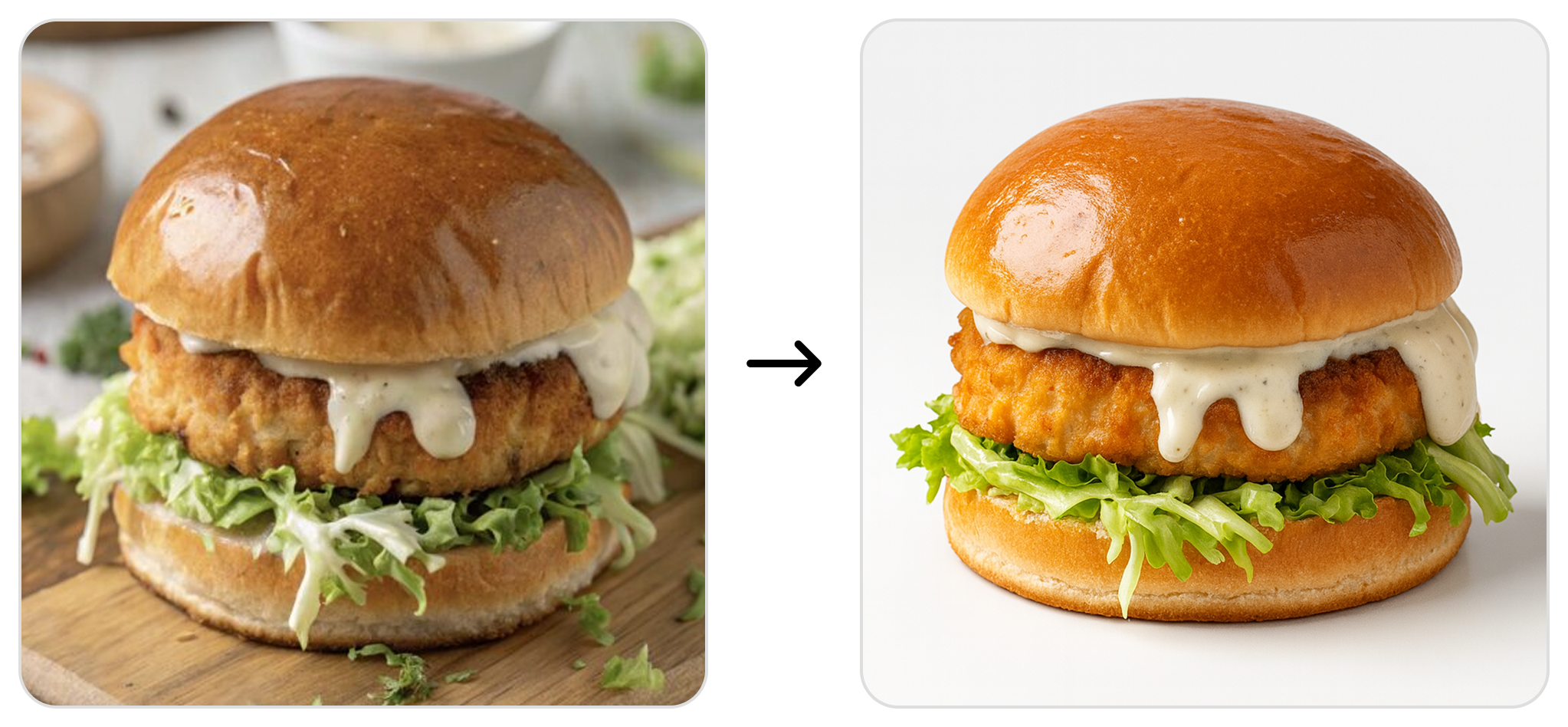
One Unified Look
Without the Hassle
Create custom studio shots or choose from our unique photo library. Apply uniformity across all your menu items with just a few clicks for a cohesive, professional look
Consistent Everywhere
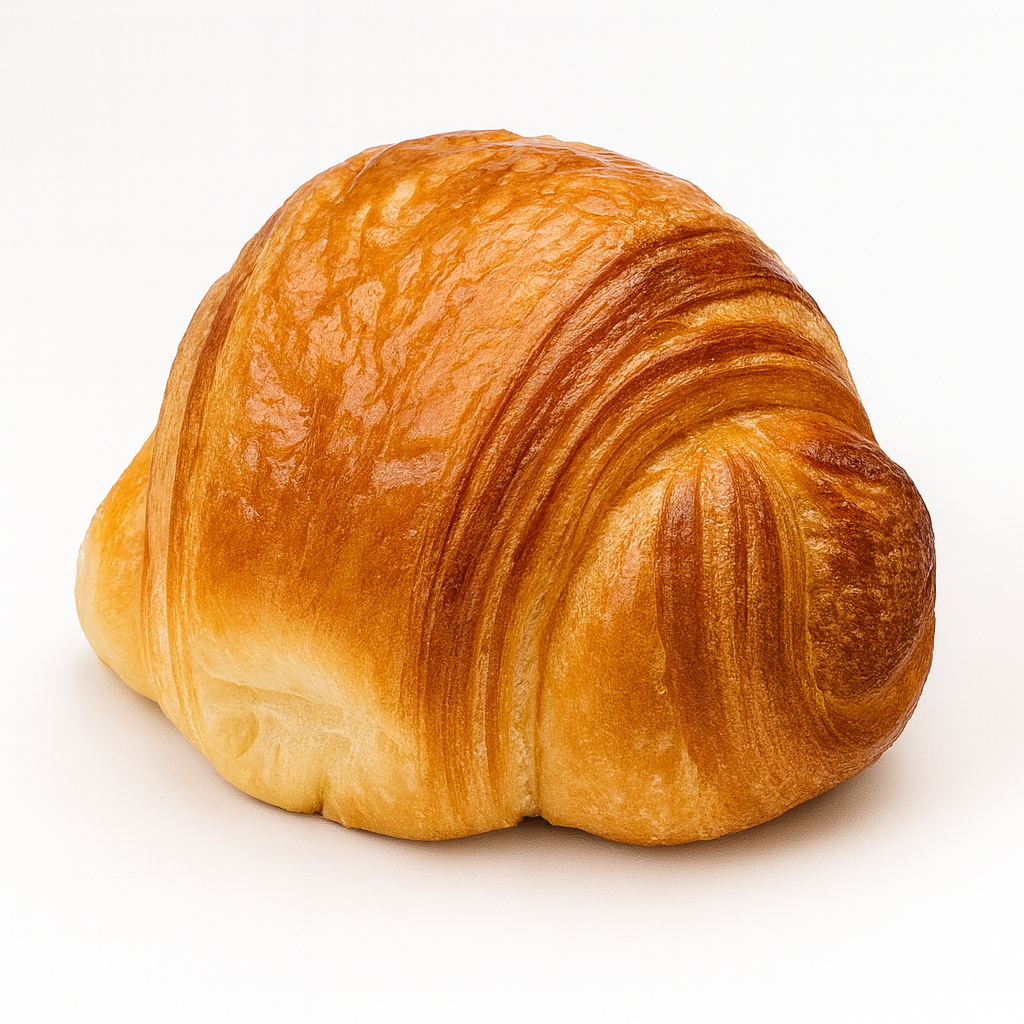
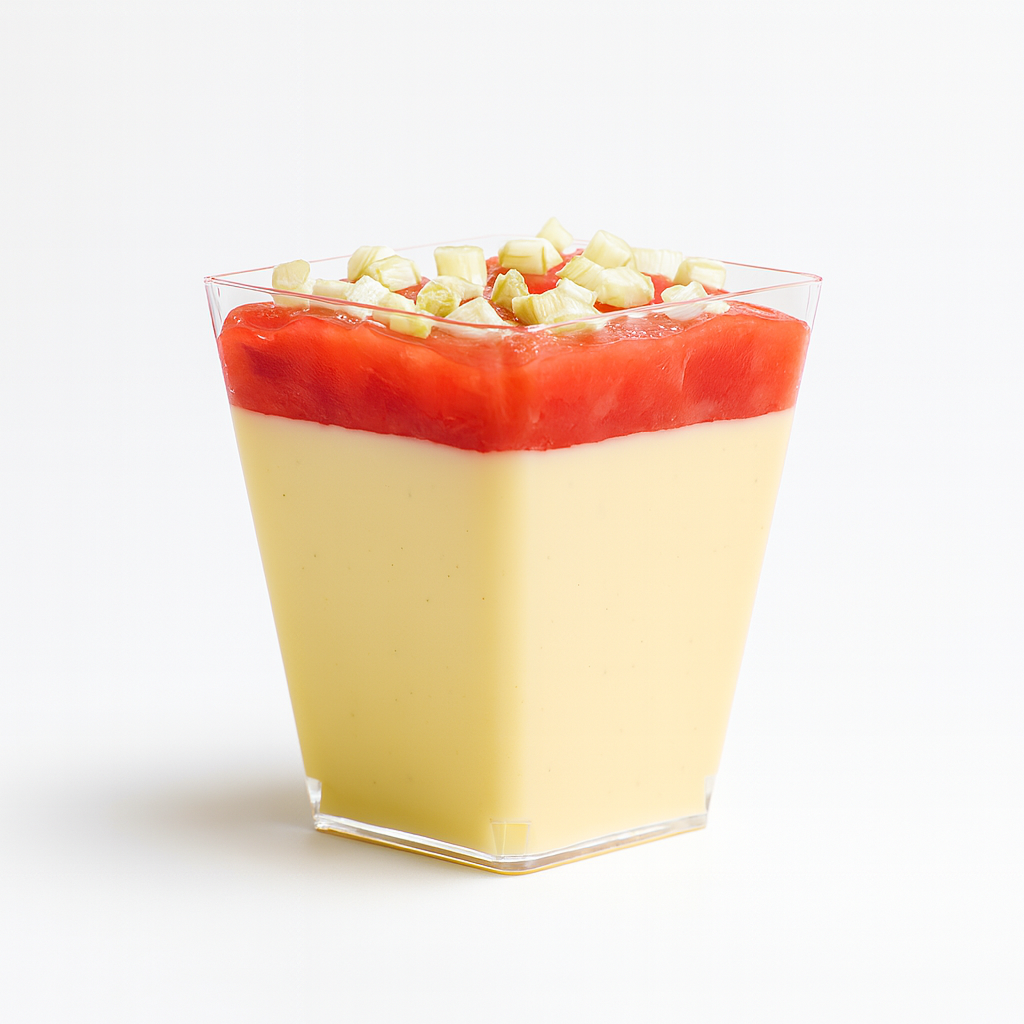
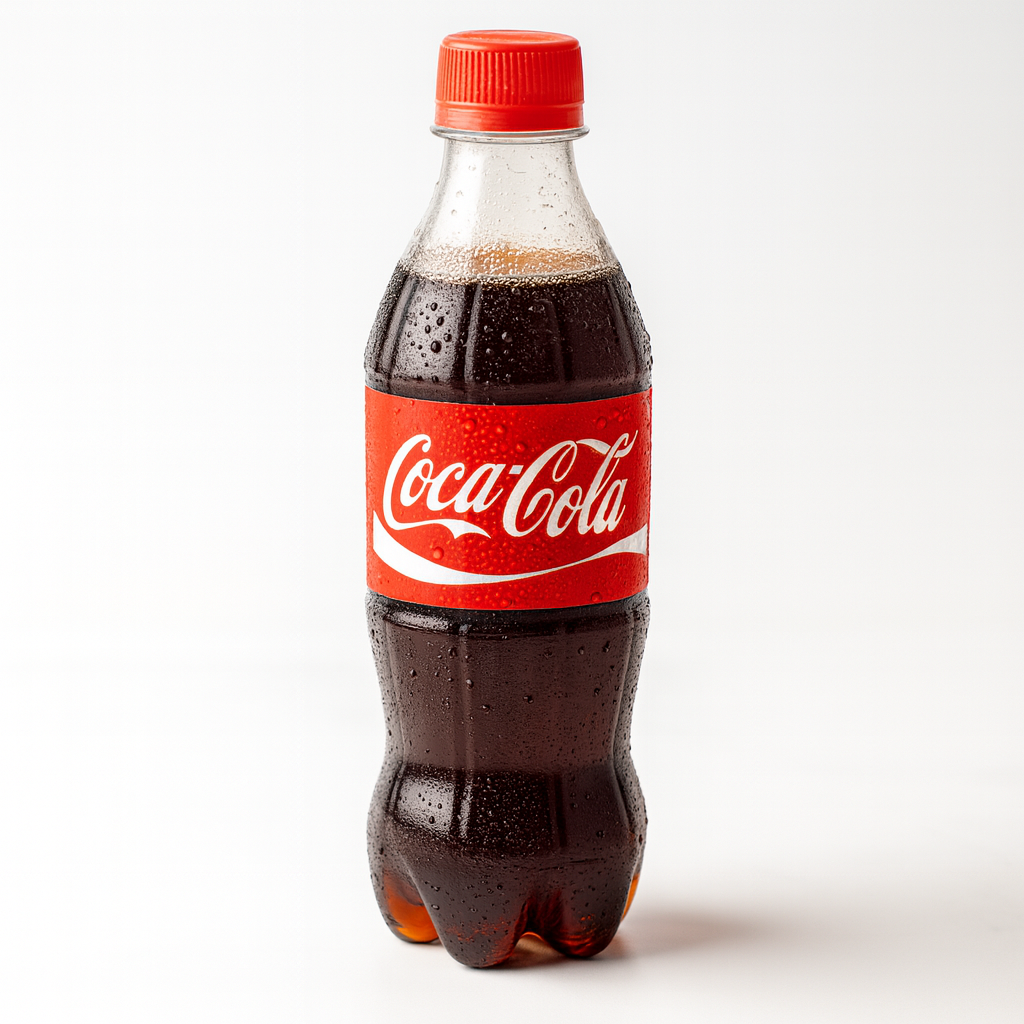
Keep your menu items looking uniform across all your displays and channels. One style, one look, perfect consistency
Ready to boost your growth?
Let us show you how modern ordering solutions can boost your efficiency, increase revenue, and create better experiences for both your business and customers
FAQs
What is Upvendo Magic and how does it work?
Upvendo Magic is an AI-powered tool that transforms your POS data into a complete, ready-to-publish digital menu. It automatically suggests photos, descriptions, and allergen information — saving you hours of manual work. You simply review, refine, and publish.
How does Magic Descriptions improve my menu content?
Magic Descriptions instantly creates appetizing, SEO-ready text straight from your POS data. You can choose a tone that fits your brand — Professional, Playful, Daring, or Persuasive — and edit or regenerate the text anytime to keep your menu fresh and engaging.
Can I edit or customize the AI-generated descriptions?
Absolutely. You can simplify, extend, or completely regenerate any description with one click. Upvendo Magic gives you full creative control while keeping your menu copy consistent and professional.
How does Magic Studio enhance my food photos?
Magic Studio turns your everyday snapshots into clean, studio-quality visuals in seconds — no special equipment or experience needed. It automatically adjusts lighting, removes backgrounds, and ensures every dish looks consistent across all your channels.
Do I need to upload my own photos to use Upvendo Magic?
Not necessarily. Upvendo Magic automatically suggests studio-quality images that match your POS items — no uploads or photoshoots required. The system recognizes your products and instantly provides accurate, ready-to-use visuals for quick review and selection.
How much time can I save with automatic photo suggestions?
You can save up to 80% of your time by skipping manual photo management. Upvendo Magic automatically links your POS items to curated, studio-quality images, letting you stay focused on your business instead of sorting through pictures.
How does Upvendo Magic help with allergen and nutrition data?
Magic Suggestions automatically detects allergens, dietary preferences, and nutritional details from your POS data. You can easily review and approve the information before publishing to ensure it’s accurate and compliant everywhere your menu appears.
Can I sync everything with my POS and ordering partners?
Yes. All descriptions, photos, and specifications sync automatically with your POS system and ordering platforms, ensuring consistent, up-to-date information across every channel.
How does Upvendo Magic improve workflow and consistency?
By combining Magic Descriptions, Magic Studio, and Magic Suggestions, Upvendo Magic keeps your entire menu — text, visuals, and item details — perfectly aligned. Your team saves time, your visuals stay consistent, and your brand looks professional everywhere.